
Sample
To: Dana Whitfield · Re: 214 Alder St, renewal
Hi Dana, the March start works for us. Before I sign, could you tell me whether the deposit moves to
“Got a minute? It’s about the Henderson account.”
What’s next?
Finish the reply to Dana: ask where the deposit goes
What were you in the middle of? if it helps
Writing back about the lease renewal
Go ahead. Interrupt me.
Before you turn away, write the next step in your own words. When you come back, it’s waiting, word for word.
Write it. Turn away. Come back to it.
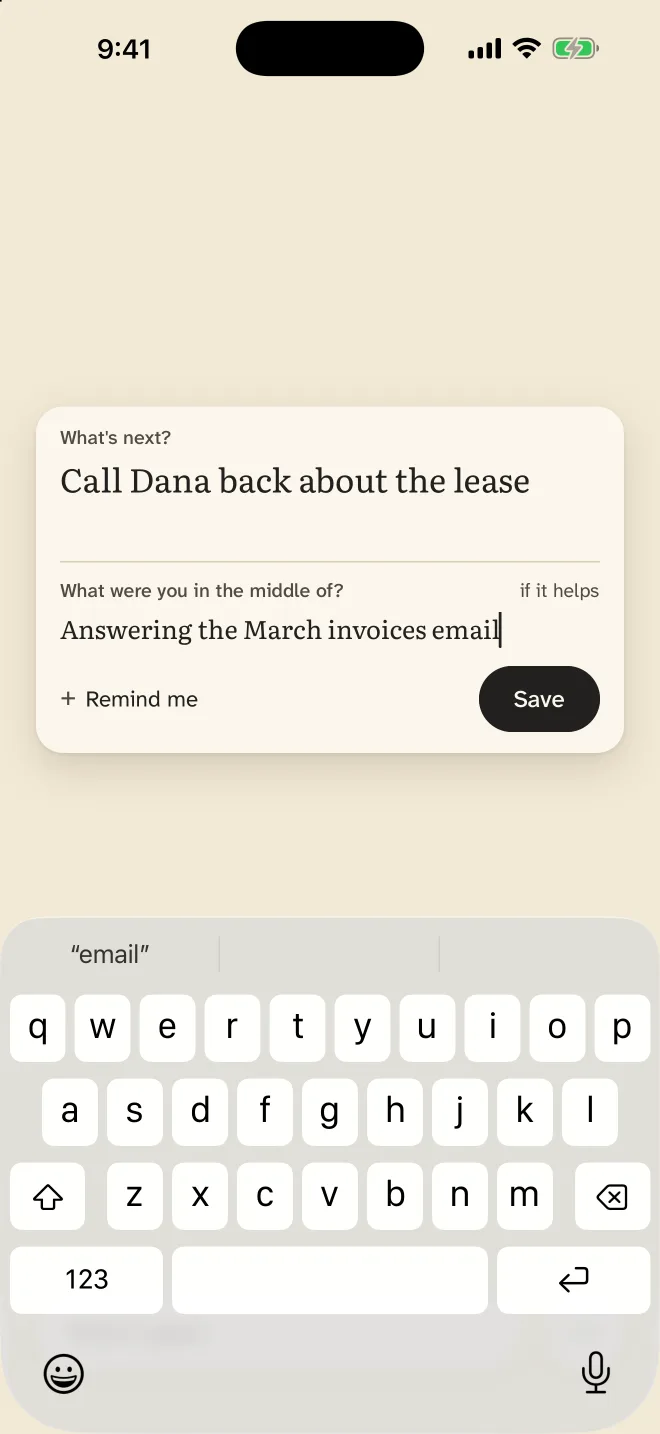
Write what’s next
Before you turn away, write the next step. One word is enough. What you were in the middle of is there too, if it helps.
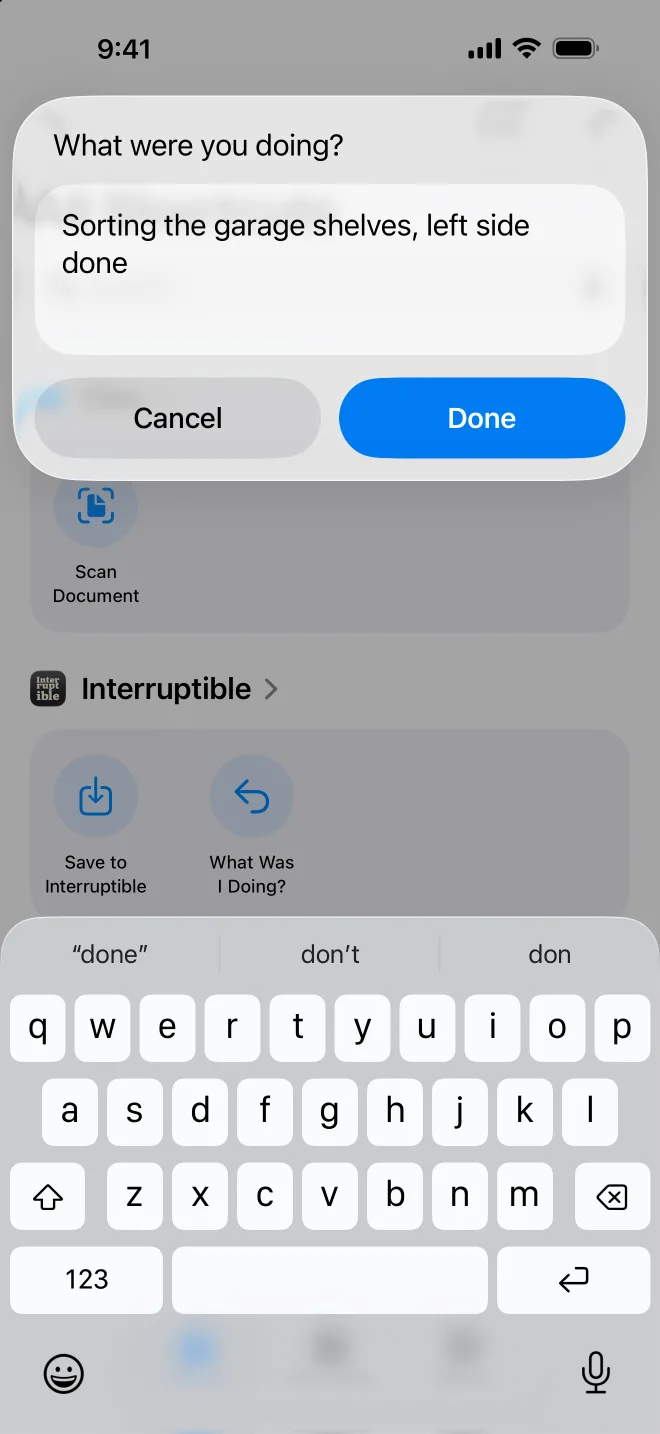
Or just say it
Say “Save to Interruptible” to Siri, without opening the app, then get back to whoever needs you. It’s built in. On the Action Button, you choose it yourself in Settings.
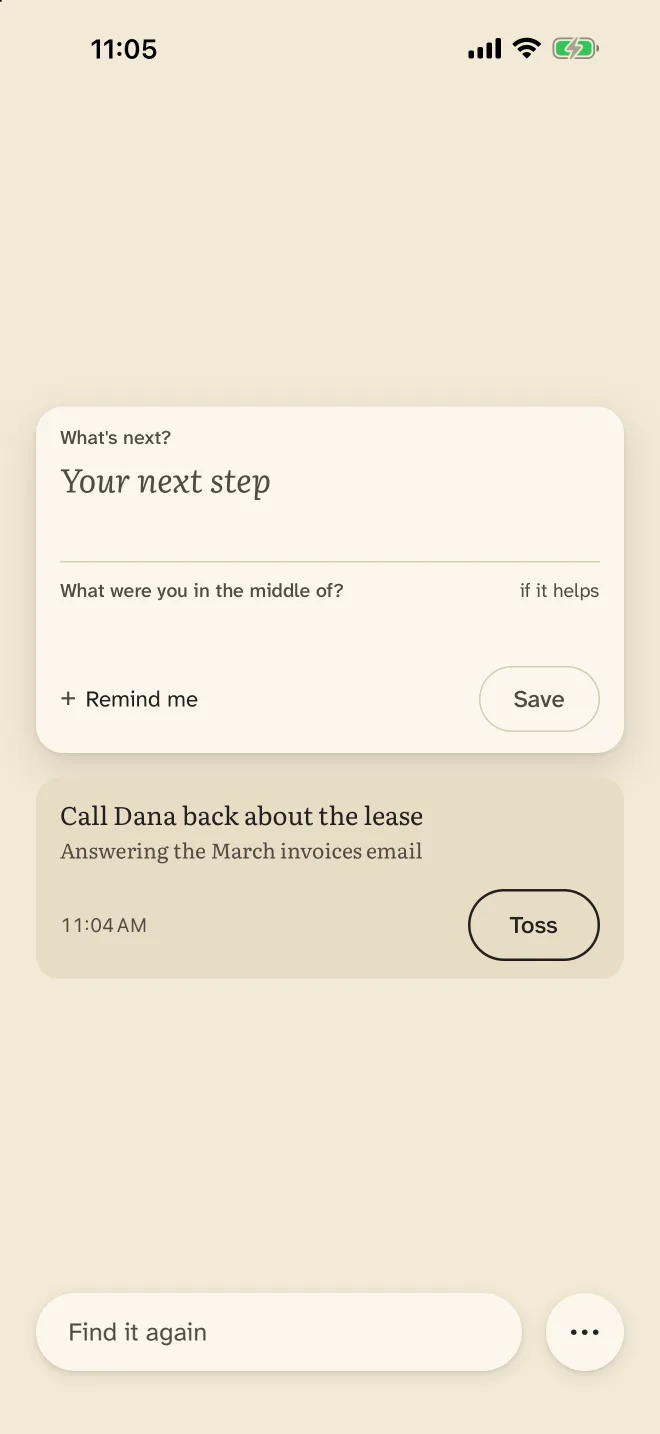
Pick up where you left off
When you come back, it’s waiting on Home, exactly as you wrote it. Pick up from there, then toss it.
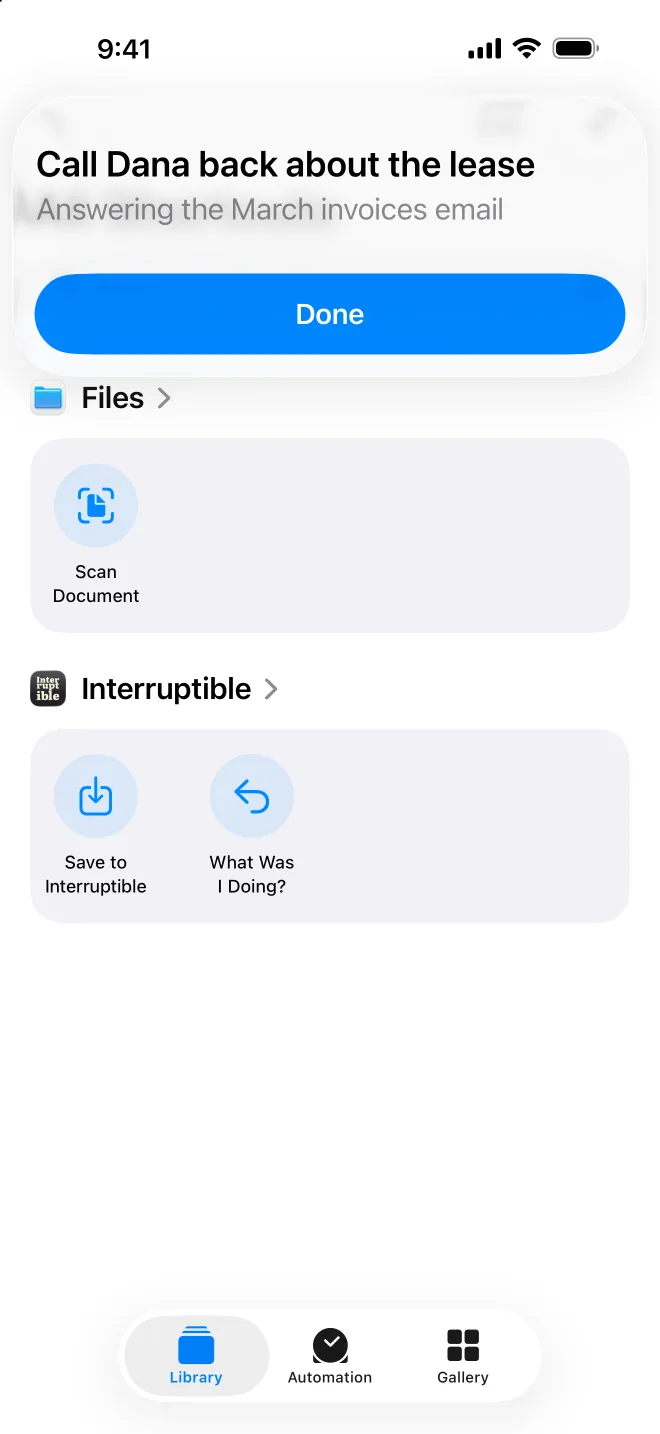
Ask what you were doing.
“What was I doing in Interruptible?”
Siri reads your words back, next step first. Nothing added, nothing summarized. It’s built in, with nothing to set up, and it asks for Face ID first, so your words are never read aloud from a locked phone.
Want your own phrase, or the Action Button? Those you set up yourself. In the Shortcuts app, make a shortcut from “What Was I Doing?” and name it anything, like “Get me back on track.” Siri answers to that name. For the Action Button, pick the shortcut in Settings, Action Button.
Only pings when you ask.
No streaks, no badges, no “haven’t seen you in a while.” If you want a reminder, one tap sets it. It shows your words once, and they stay saved until you toss them.
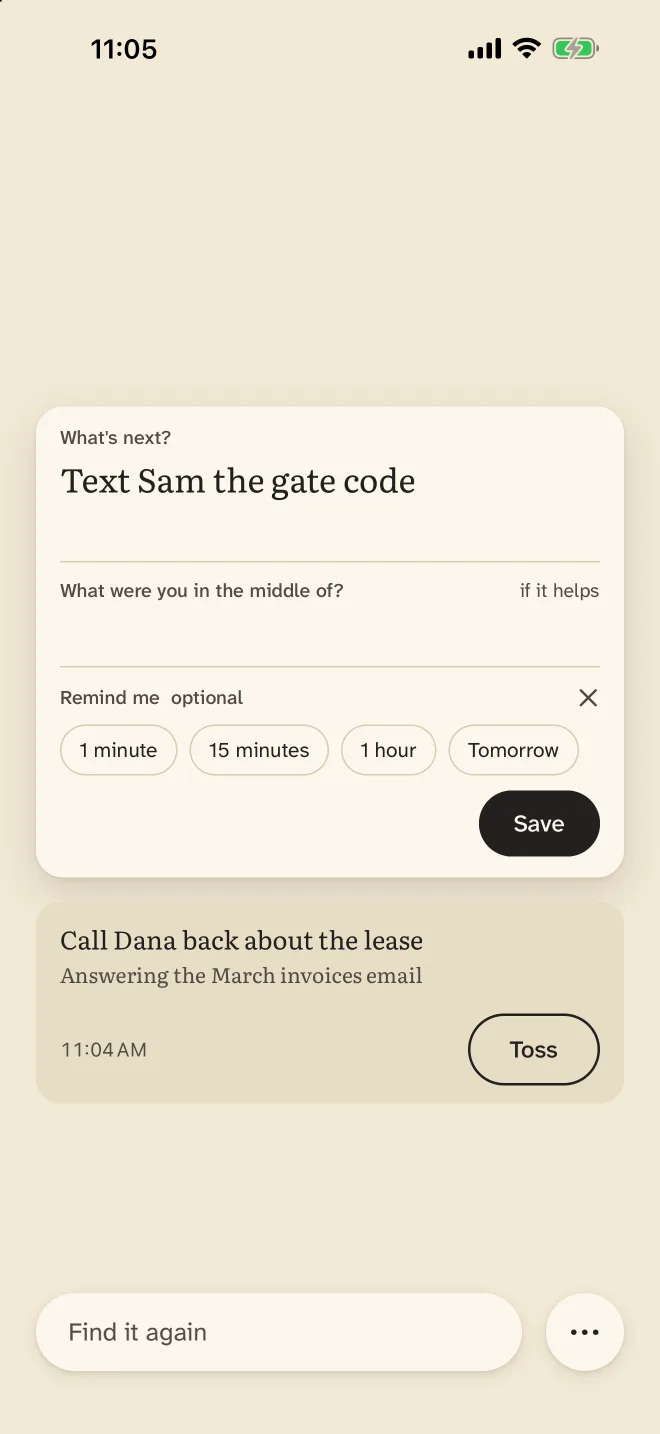
Your words, exactly.
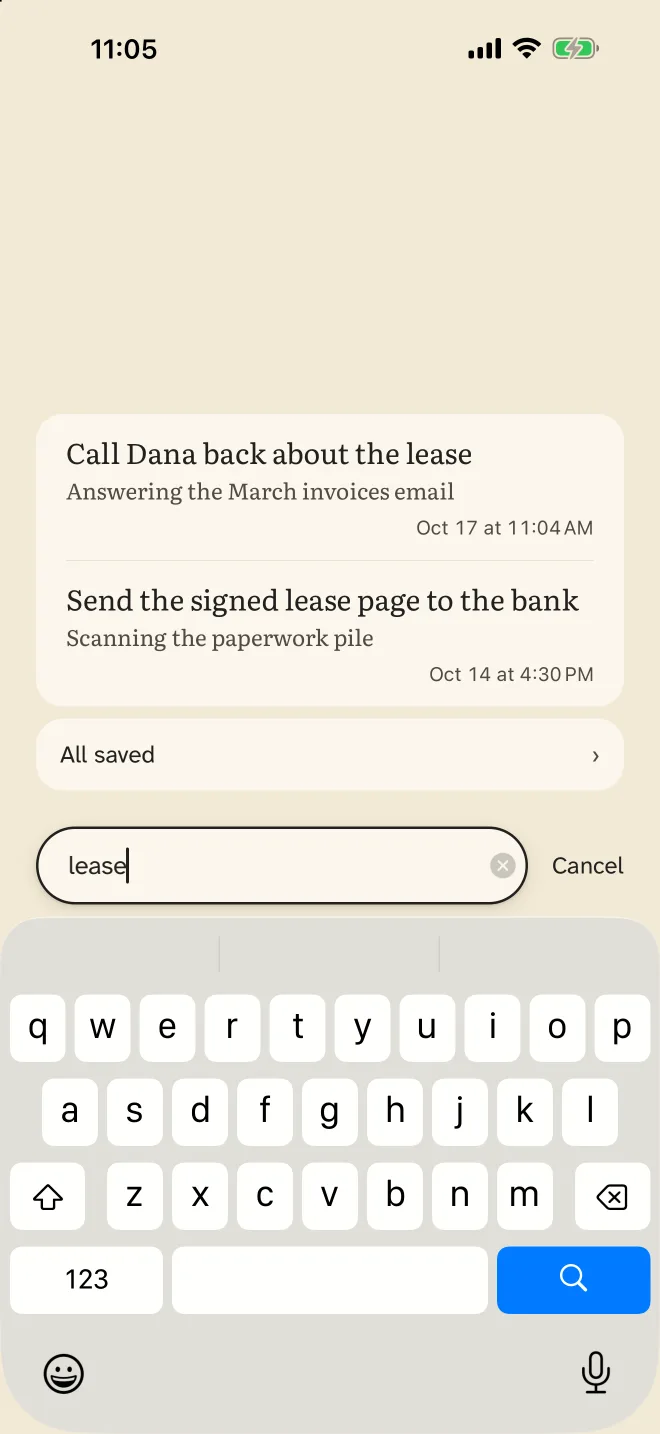
Interruptible never rewrites, shortens or summarizes what you wrote. Everything you save stays until you toss it, and search finds it by any word you remember.
Nothing leaves your phone.
What you save stays on your iPhone. The app makes no network calls of its own, and the App Store privacy label reads Data Not Collected. Read the privacy policy.
- No account.
- No sign-up.
- No ads.
- No tracking.
Why write it down first?
Before you turn away
In a lab study, people who had a few seconds’ warning before an interruption used them to prepare, and got back into their task faster afterward.
Trafton, Altmann, Brock & Mintz, International Journal of Human-Computer Studies, 2003
While you’re away
In four studies, people who wrote a quick note on where to pick up before switching tasks carried less of the old task into the new one, and did the new task better.
Interruptible gives those few seconds a place to go. Your next step, in your words.
Made for ADHD brains.
And for anyone whose day is mostly interruptions, at work, at home or at school. It isn’t a to-do list. It keeps your place.
Free to start. Then buy once.
Your first 5 returns are free. A return is coming back to something you saved, and tossing it doesn’t give one back. After that, saving something new takes one purchase. Reading, searching and tossing what you’ve saved always stay free.
- No subscription.
- No renewal.
- Every update included.